
Knowledge Center Guide
Claims and Medical Needs Operations
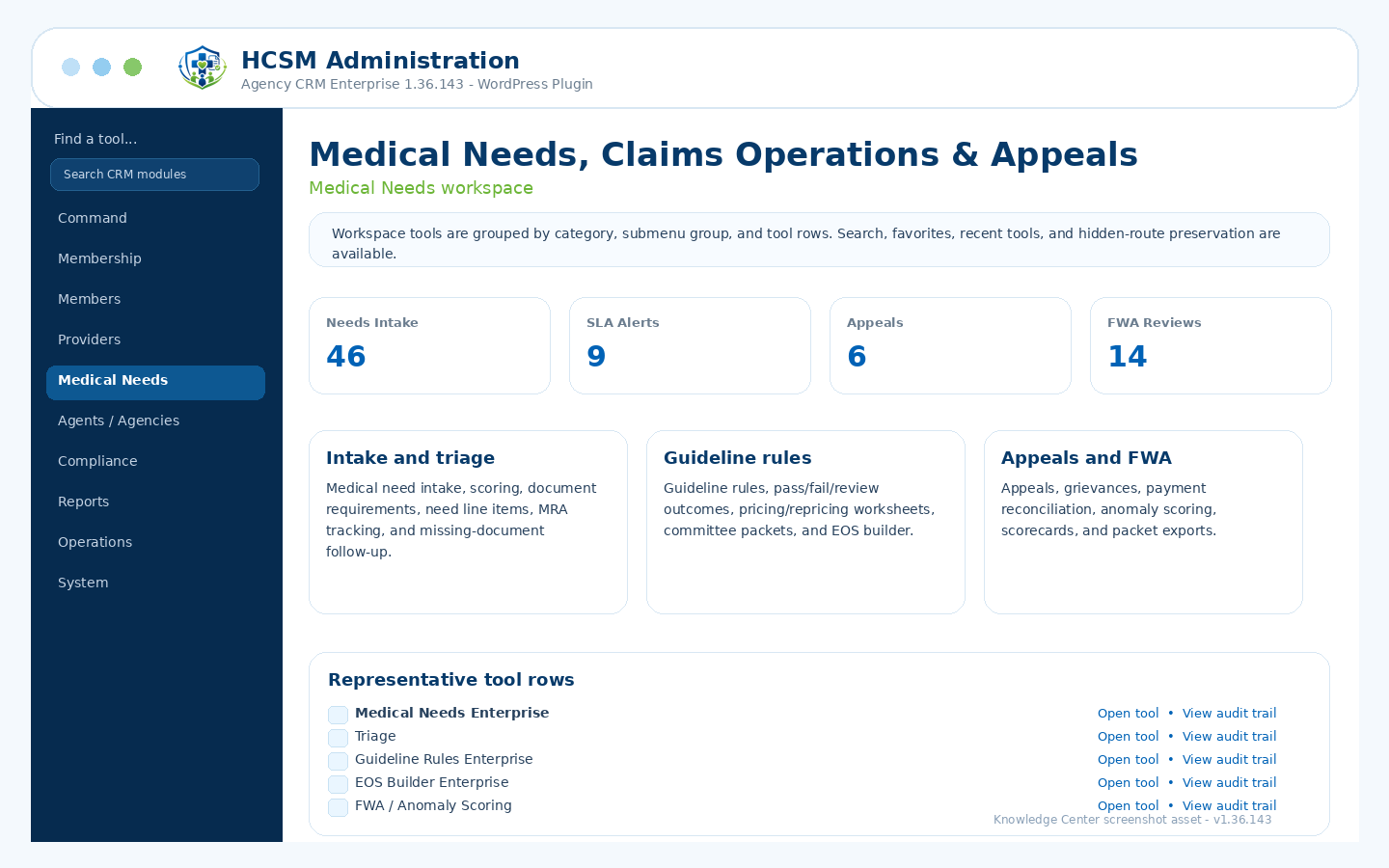
Intake, triage, document requirements, guideline rules, pricing, EOS, appeals, FWA, SLA, and packets.
Admin path: HCSM CRM → Medical Needs
How it works
Workflow overview
- Capture medical need intake, triage, line items, providers, documents, missing document requests, and MRA context.
- Apply guideline rules and review outcomes through pass, fail, or review status where appropriate.
- Build EOS records, committee packets, payment/share queues, explanations, and state history.
- Track appeals, grievances, payment reconciliation, anomaly/FWA review, SLA status, analytics, and export packets.
Included controls
What administrators can manage
Use these controls as the starting checklist for this module. The exact visible tools can vary by package branch, permissions, feature toggles, and production/demo role settings.
Intake queue and triage scoringDocument requirement rulesGuideline rule libraryPricing/repricing worksheetsEOS Builder EnterpriseAppeals, grievances, FWA, and SLA tracking
These are administrative workflow tools, not legal, clinical, payer, insurance, payment-processing, cybersecurity, IRS, state, HCSM regulatory, or HIPAA certification.
Related guides