
Knowledge Center Guide
HealthShare Enrollment Pro 2.0
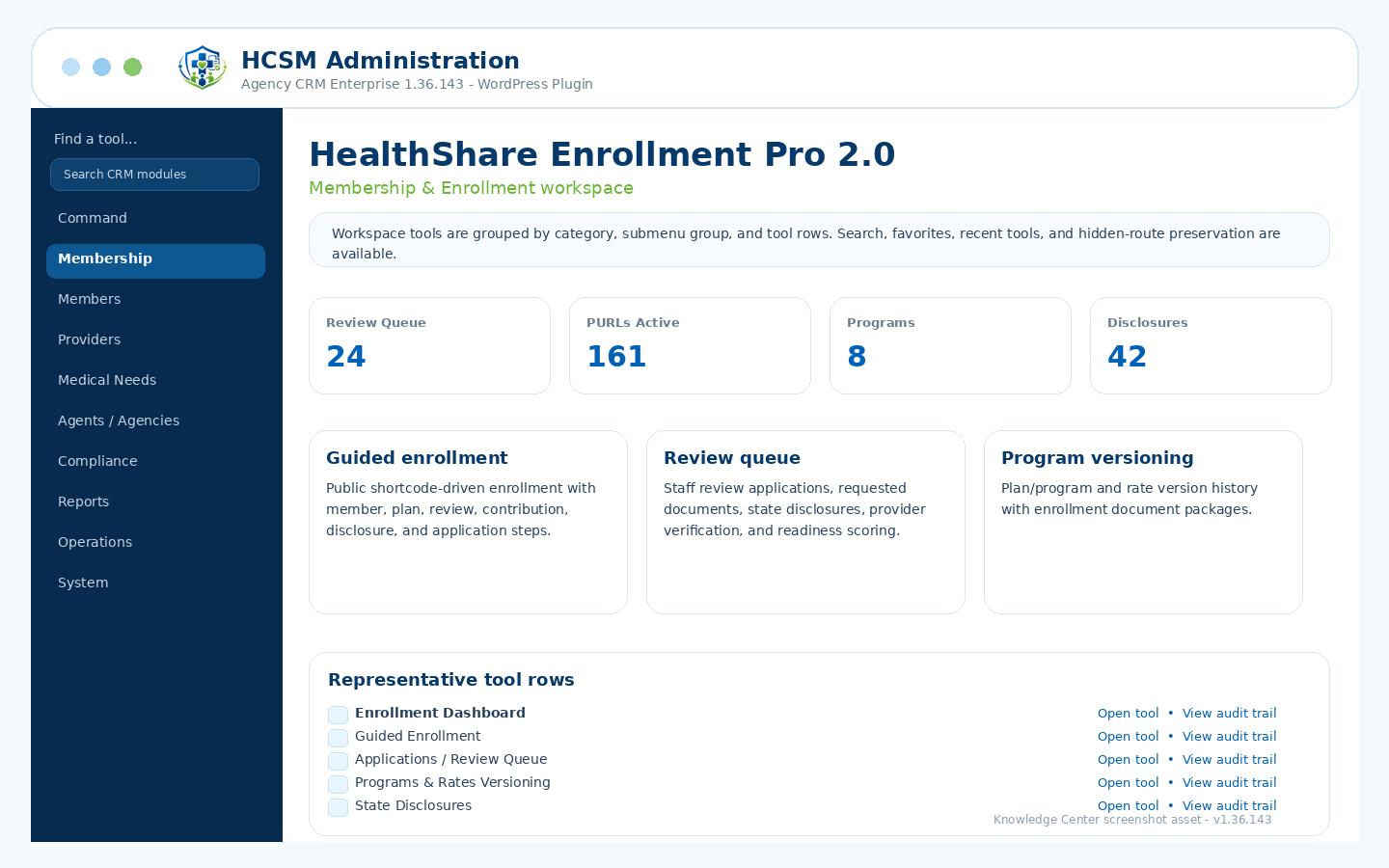
Guided enrollment, application review, program/rate versioning, disclosures, PURLs, and document packets.
Admin path: HCSM CRM → Membership & Enrollment
How it works
Workflow overview
- Create or update programs, plans, rates, household tiers, forms, disclosures, and enrollment document templates.
- Enable Enrollment PURLs for agents/agencies and route public enrollment into the guided workflow.
- Review applications, documents, state disclosures, payments, and member readiness in the review queue.
- Generate enrollment packets and monitor agent/FMO enrollment performance.
Included controls
What administrators can manage
Use these controls as the starting checklist for this module. The exact visible tools can vary by package branch, permissions, feature toggles, and production/demo role settings.
Guided enrollment wizard operationsApplications / review queueProgram and rate versioningState disclosure engineAgent/FMO enrollment performanceEnrollment document package generator
These are administrative workflow tools, not legal, clinical, payer, insurance, payment-processing, cybersecurity, IRS, state, HCSM regulatory, or HIPAA certification.
Related guides