
Knowledge Center Guide
Agents, Agencies, PURLs and Lead Distribution
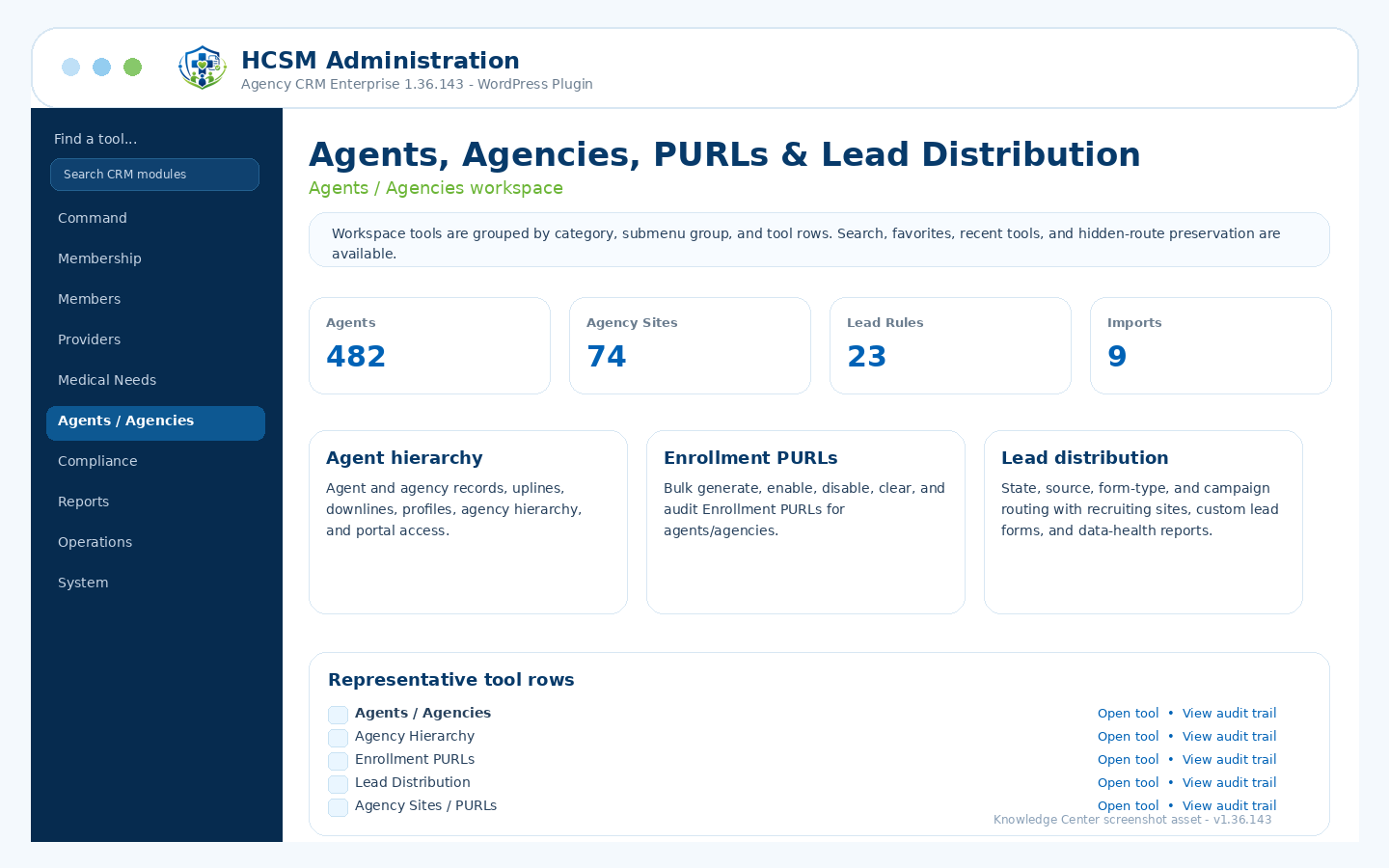
Agent/agency records, hierarchy, portal access, Enrollment PURLs, recruiting sites, lead distribution, data quality, and imports/exports.
Admin path: HCSM CRM → Agents / Agencies
How it works
Workflow overview
- Create and maintain agent, agency, FMO, upline, downline, portal access, and profile records.
- Use bulk Enrollment PURL controls to generate, enable, disable, clear, and audit PURL links for agents/agencies.
- Route incoming leads by source, state, form type, campaign, and distribution rules.
- Use imports, exports, hierarchy reports, profile health, missing onboarding reports, and data quality tools to keep agency operations clean.
Included controls
What administrators can manage
Use these controls as the starting checklist for this module. The exact visible tools can vary by package branch, permissions, feature toggles, and production/demo role settings.
Agents / Agencies profilesAgency hierarchyEnrollment PURL bulk managementAgency sites and PURLsLead distribution rulesAgent import/export and data health
These are administrative workflow tools, not legal, clinical, payer, insurance, payment-processing, cybersecurity, IRS, state, HCSM regulatory, or HIPAA certification.
Related guides