
Knowledge Center Guide
Licensing, Updates and Rollback
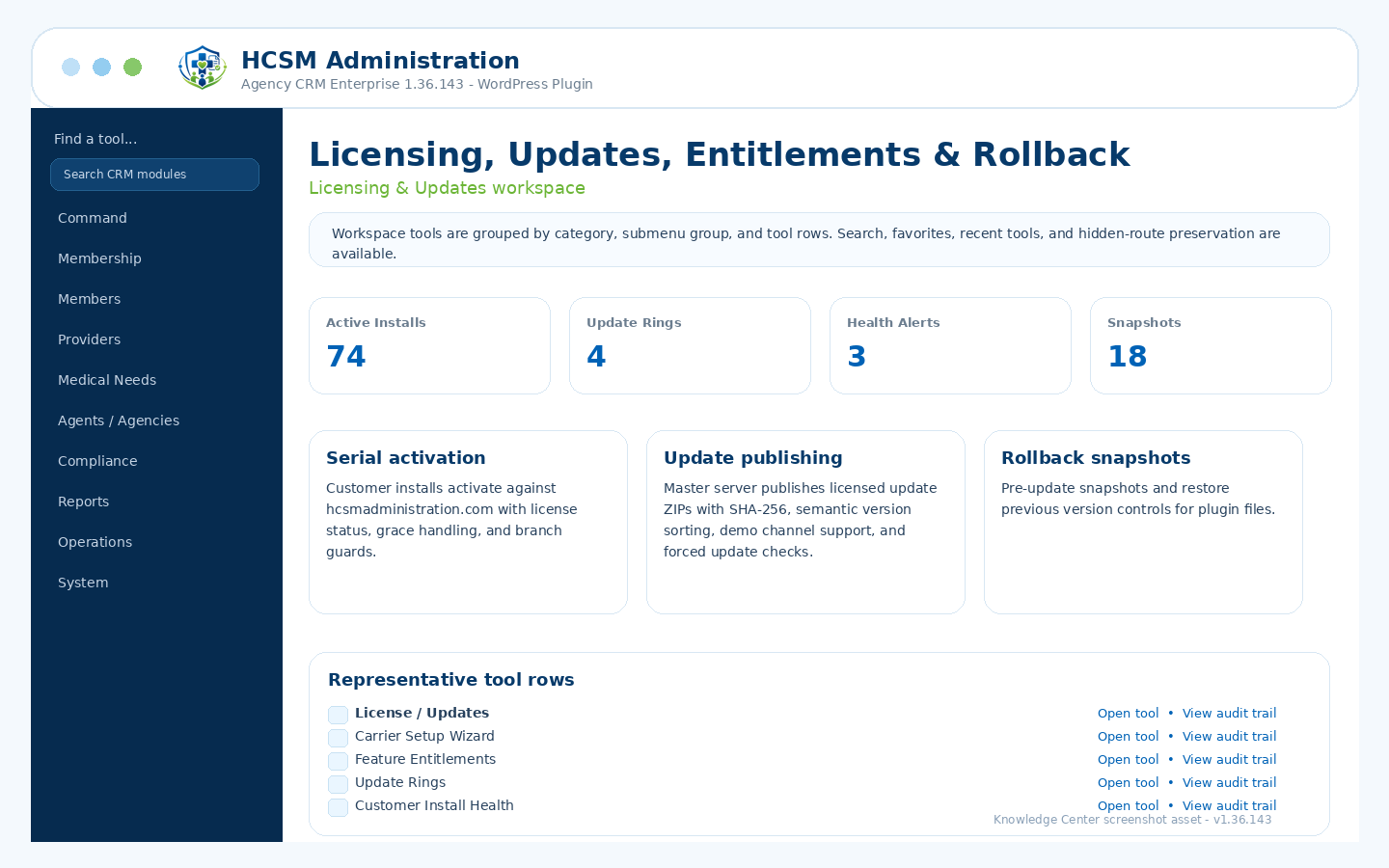
Serial activation, update server, package uploads, SHA-256 checksums, automatic updates, rollback snapshots, demo-channel checks, and forced update checks.
Admin path: HCSM CRM → Licensing & Updates
How it works
Workflow overview
- Activate customer installs using serial numbers issued from the master hcsmadministration.com server.
- Publish update packages with version records, SHA-256 checksums, update rings, and customer install health tracking.
- Use automatic updates and rollback snapshots to apply updates and restore prior plugin files when needed.
- Use the v1.36.143 forced update check and cache refresh logic when WordPress update data becomes stale.
Included controls
What administrators can manage
Use these controls as the starting checklist for this module. The exact visible tools can vary by package branch, permissions, feature toggles, and production/demo role settings.
Serial activation and license statusesUpdate package upload and SHA-256Automatic updates and rollback snapshotsUpdate available bannersDemo channel update checksSemantic version sorting and forced update check
These are administrative workflow tools, not legal, clinical, payer, insurance, payment-processing, cybersecurity, IRS, state, HCSM regulatory, or HIPAA certification.
Related guides